Mastering Your Webcam: Essential Tips for Optimal Live Streaming and Video Chat
In a world where video calls and live streaming have become a norm, the necessity for mastering your webcam has never been more pressing. It’s one thing to be on a video chat with friends or colleagues, but it’s another ball game entirely when you’re looking to enhance your online presence. Whether you’re a budding content creator or simply trying to look your best during meetings, it’s crucial to understand the essence of webcam technology. Picture this: You log into a video conference, and instead of brightening the room with your smile, your poorly calibrated webcam makes you look like a shadow of yourself. Great webcam usage can uplift your entire virtual interaction experience. Let’s dive into some top techniques that can transform your streaming skills instantly!
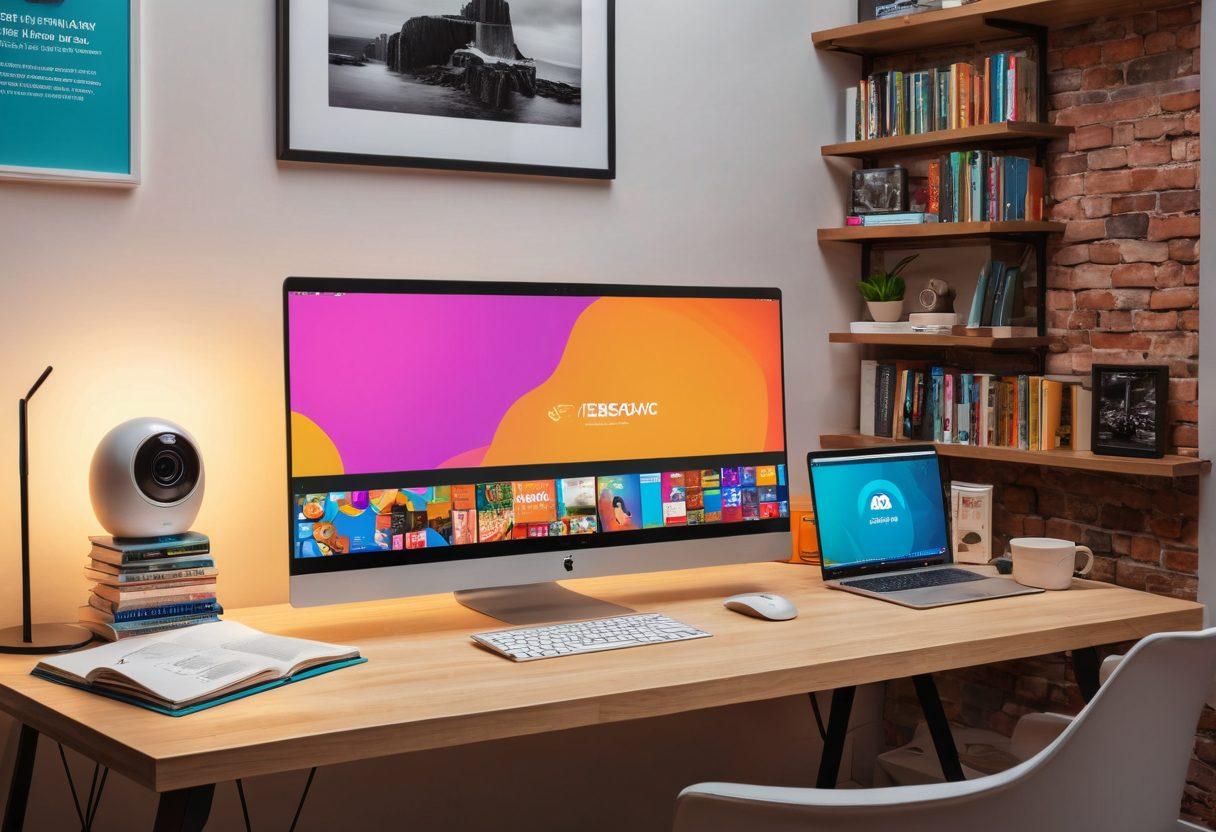
To kick off, ensure your camera setup is conducive to eye-catching video clarity. Choose a well-lit space – natural light works wonders if you can position your webcam facing a window. If you find that the lighting in your room is less than stellar, don’t fret! There are countless webcam accessories available designed to improve your video quality. Ring lights, for instance, can offer a beautiful glow and even out shadows. Imagine hosting a live stream where you look as vibrant as you feel. After all, what you present on screen sends a message. Are you prepared to embrace that message?
Once you have your lighting sorted, let’s explore the frequently overlooked but immensely impactful aspect of webcam tips: framing your shot. Consider this: when you're positioned correctly within the frame, you not only look better, but you also engage your audience more effectively. A good rule of thumb is to keep your webcam at eye level. This lets the viewer feel like they’re having a genuine face-to-face conversation. Coupled with a thoughtful background—free from distractions, yet personal—you can elevate your video performance to a new level of professionalism. Has anyone ever told you how powerful a clean and inviting backdrop can be?
Now, let’s not forget the elephant in the room – digital privacy. As we engage in video conferencing and online video interactions, understanding internet safety becomes crucial. Utilizing a simple webcam cover when your camera isn't in use can significantly bolster your online privacy, ensuring that you only appear when you wish to. It's all about feeling safe and secure in your personal broadcasting. As Jess from jesswebcam once said, “When it comes to remote communication, the only thing worse than bad audio is feeling exposed.” How can you feel empowered in your streaming journey?
Finally, don’t skimp on testing your webcam before going live! Numerous streaming platforms offer test features where you can set up your feed and make adjustments accordingly. Take a moment to compare camera features and read various camera reviews to identify the best fit for your needs. Delve into user guides for webcams that align with your personal broadcasting goals. After all, every great livestreaming experience is born from an adequately prepared foundation. What exciting endeavors await you now that you’re equipped with these essential webcam tips?
The Ultimate Guide to Webcam Accessories and Camera Setup for Every User
In today's digitally-driven world, the way we connect has transformed dramatically. Remember the days when a simple phone call or an email sufficed? Now, it's all about live streaming, video chat, and virtual interaction. Whether you’re engaging in a video conferencing meeting, streaming your gaming prowess, or catching up with friends and family, having the right webcam and accessories can elevate your experience significantly. In this ultimate guide to webcam accessories and camera setup, we’ll explore the essential tips and tricks to optimize your video quality, ensuring you shine in every online video encounter.
Have you ever wondered why some video calls leave you wanting more? It could be the poor video clarity or lagging performance of your webcam. That’s where jesswebcam comes into play! A quality webcam is paramount for enhancing your video quality. With features that vary from high-definition video to excellent low-light performance, knowing how to choose the right camera can make all the difference. Let's delve into camera reviews and comparisons, helping you understand which webcam technology suits your personal broadcasting needs best.
But it doesn’t stop at just the camera. Accessorizing your setup plays an equally crucial role in achieving that polished look. Think about lighting solutions, external microphones, and stability equipment. Ever realized how a simple ring light can transform your appearance on camera? Lighting not only improves video clarity but also adds a professional touch to your streams. For those focusing on presentations, investing in a quality microphone is a game changer. Nobody enjoys listening to muffled voices in video chat. Light and sound, combined with the right webcam accessories, can take your streaming quality to a whole new level.
Now that you're equipped with the right tools, let's talk about setup. Have you ever joined a video meeting only to find that your background is a mess, or worse, cluttered with distractions? It's important to curate your camera setup to ensure a professional appearance in video conferencing. Optimize your background, adjust angles, and frame your shot. A little thought towards your environment while engaging in remote communication goes a long way in making a positive impression. And don't forget to consider online privacy; everything from your camera placement to digital protocols can play a significant role in your internet safety.
Lastly, let’s keep the conversation going about streaming platforms and their features. Whether you're broadcasting on Twitch, Zoom, or Skype, each platform brings unique elements that can impact your video performance. Equip yourself with user guides for webcams specific to these platforms and familiarize yourself with the functionalities they offer. By tweaking camera settings and testing out different camera features, you’ll not only enhance your video performance but enjoy the streaming process much more. So are you ready to master your webcam and enjoy the high-definition experience in your video chats and live streaming endeavors? Let’s elevate your virtual communication game!
Protecting Your Privacy: Essential Tips for Safe and High-Quality Video Chats
In today's digital age, where video communication has become an integral part of our daily lives, understanding how to protect your privacy during video chats is more crucial than ever. Whether you're using a webcam for work meetings, online classes, or virtual hangouts, the nuances of webcam technology can significantly impact your experience. Picture this: you log into a video chat and suddenly, you're aware that your camera might be broadcasting more than just your face—perhaps a glimpse into your personal space. How do we maintain that essential balance between connection and privacy in our online lives? Let’s dive into essential tips for safe and high-quality video chats that can transform your experience from good to spectacular!
A wise person once said, "Your digital privacy is like a pearl in the ocean; precious and easily lost if not safeguarded." It's a valuable reminder, especially when engaging in video conferencing. The first step toward ensuring your privacy starts with choosing the right webcam. Investing in reputable camera technology, such as those found on jesswebcam recommendations or trusted camera reviews, can enhance video clarity and security. Features like physical camera shutters and built-in security measures can protect you against unwanted intrusions during your live streaming or video chats. What features should you be on the lookout for when choosing the perfect webcam?
Now that you’re equipped with the knowledge of choosing the right webcam, let’s explore how to optimize your camera setup. The way you position your camera can dramatically affect both video quality and privacy. Aim for eye level, and consider using accessories like a tripod for stability. Natural lighting can be your best friend for a flattering video performance, but caution is crucial—skip the overly bright backgrounds that might reveal sensitive details about your space. Remember, your environment speaks volumes about you. Are you projecting the image you want during virtual interactions?
One might wonder, what are the best practices to maintain your digital privacy during online video interactions? First and foremost, familiarize yourself with the privacy settings of the streaming platforms you use. Most offer features to control who can see you and your content. Utilize them! When entering video chat sessions, ensure your webcam is turned on only when appropriate, and don't be afraid to use the
button if you feel uncomfortable. Designing a designated video chat environment within your home, free from distractions, helps maintain professionalism and reinforces your online privacy. It’s all about respecting both your space and that of others. How do you navigate potential distractions during your video calls?
Last but not least, let's address the elephant in the room: internet safety. Protecting your online privacy extends beyond your webcam—a solid internet connection and secure networks are just as important. Always use a strong, unique password for your accounts and consider utilizing a Virtual Private Network (VPN) for an added layer of security during online video discussions. Remember, securing your digital presence is not just a one-time task; it is a lifestyle choice. How committed are you to enhancing your online privacy today? By following these webcam tips and embracing the latest trends in webcam technology, you can enjoy safe and high-quality video chats while ensuring your information remains just that—your information.